
Frequently Asked Questions
Wearing The Headset
How do I put it on?
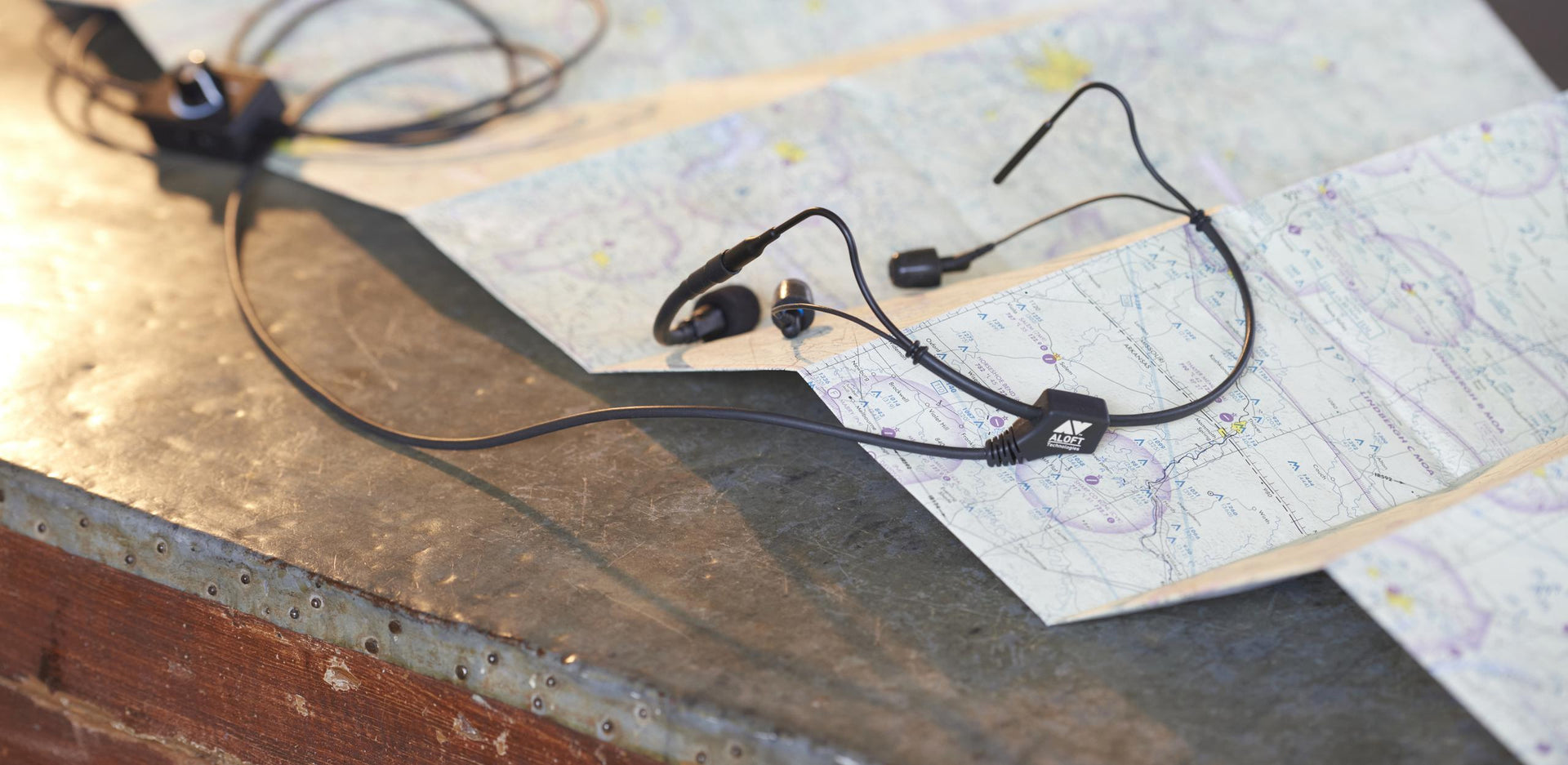
The headband goes around the back of the head, not over the top. Just think of it like putting glasses on backwards.
How often should I change the tips?
Just change the tips for hygiene reasons; the polyurethane foam does not crumble, harden or yellow over time. One month of use for one pair is a good rule of thumb. Be sure to change them between users.
How do I get a good seal in my ear with the canal tips?
Pinch or squeeze the foam tip between your thumb and index finger to compress the foam. While the foam is compressed, insert the tip into the outer ear canal. Allow the foam tip to expand until it creates a snug seal. We recommend that pilots pinch or squeeze the tips before inserting. Rolling may cause the tip to loosen or unroll off the threaded screw mechanism. The rolling action can also cause too much stress on the earpiece wires over time.
Should I use a custom ear mold?
We do not recommend custom ear molds for a variety of reasons. The Comply®Canal Foam will supply 5 decibels better noise suppression than a custom ear mold. This foam acts like a self-sealing memory foam and will comply to the outer ear canal much better than a custom mold. The seal is maintained throughout the changing shape of the ear canal during head turning, yawning, chewing and swallowing, unlike a hard, custom ear mold. Use of a custom ear mold also voids the three year warranty.
Are the foam eartips more comfortable than an earplug?
Yes. The eartips are made of polyurethane foam as soft as skin. This makes the eartips much more comfortable for long haul trips.
Do you have a microphone on the right?
Our microphones only originate on the left. However, because the design is so different from traditional headsets, flight instructors and first officers widely use Clarity Aloft headsets from the right seat.